
Step 2
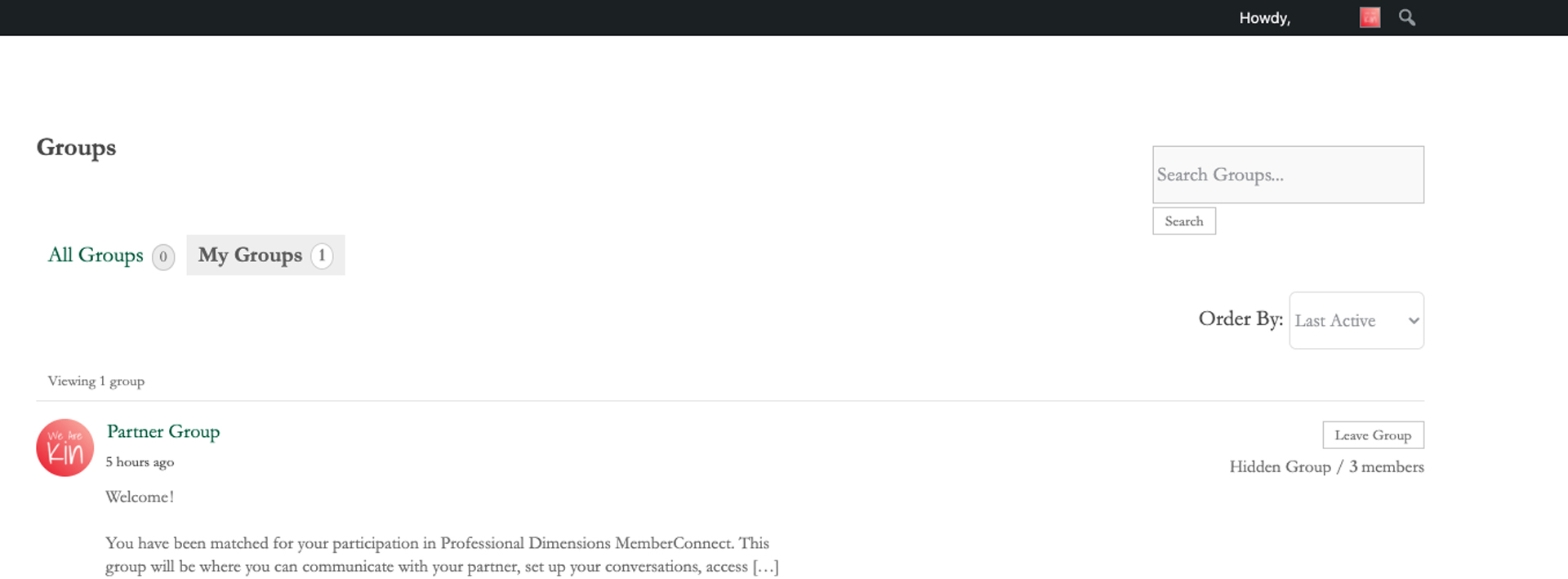
- Click over to the My Groups tab
- Once there, click on your Partner Group
Step 3
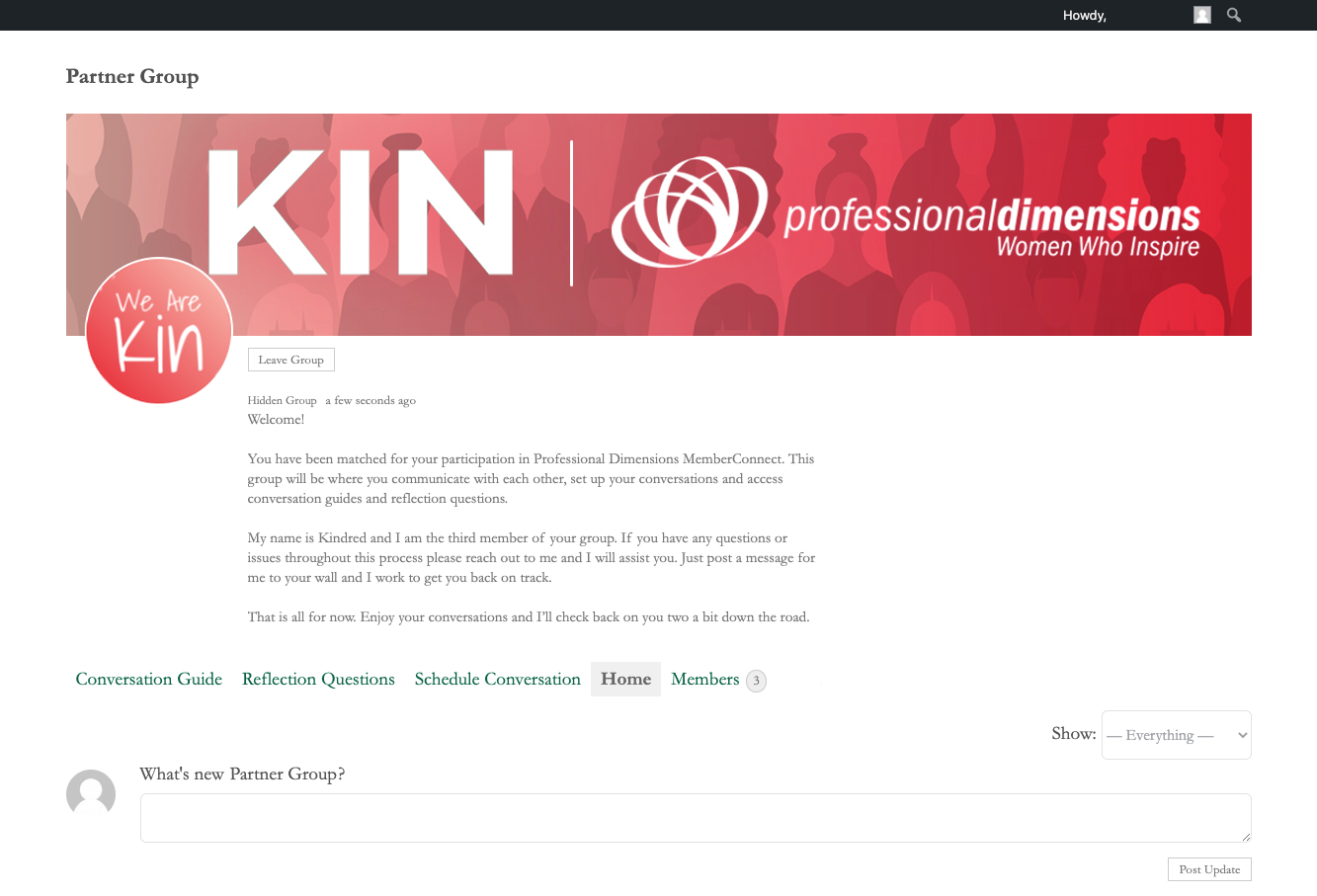
- Message your partner with the post feature to check their availability for your first conversation. To alert your partner of your message, tag them in your post by typing in the @ symbol followed by their name.
- Once you and your partner have selected a date and time to meet, enter your first meeting into the Schedule Conversation tab
- Use the Conversation Guide tab to view the conversation guide questions
- Once you have completed your conversation, use the Reflection Questions tab to complete your reflection.
*You will be able to schedule your next conversation once your reflection questions are complete.